
URL Shortener Analytics Compared: Bitly vs Short.io vs Alshorty (2026)
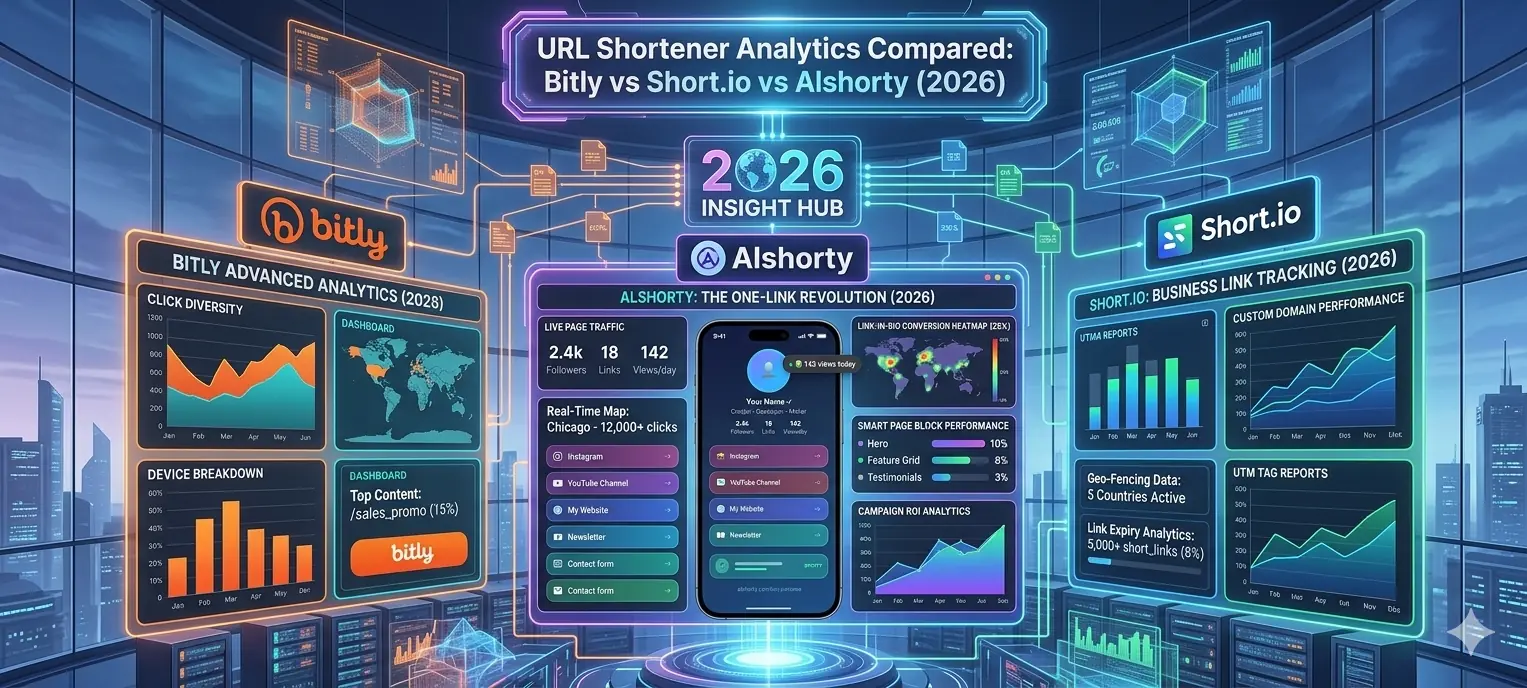
We compared the analytics features of the top URL shorteners in 2026 — Bitly, Short.io, and Alshorty — on click tracking, country data, device stats, UTM support, and price. Here is what we found.
Muqira
May 2026 · Updated regularly · 12 min read
Why analytics matter more than the short link itself
A short link is just a redirect.
The reason people pay for URL shorteners isn't the shortening — it's the data that comes with it.
Which country clicked. Which device. Which referrer. Which campaign. Whether traffic is growing or shrinking.
That data is what makes a URL shortener worth paying for.
So in 2026, we compared the three most commonly used URL shorteners on exactly this: their analytics.
How much do you get for free? What do you actually need to pay for? And where does each tool fall short?
The three tools we compared
- Bitly — the most recognized name in link shortening, now a full "connections platform"
- Short.io — developer-friendly, branded domains, solid free tier
- Alshorty — newer, combines shortening with Link-in-Bio, SmartPages, and deep analytics
We looked at five analytics dimensions: click tracking, geographic data, device/browser stats, referrer tracking, and UTM support.
1. Click tracking
All three tools track clicks. The difference is in how much history you get without paying.
Bitly gives you basic click tracking on the free plan, but caps analytics history at 30 days even on the Starter plan ($8/month). To get a full year of click data, you need to jump to Business at $29/month per user.
Short.io takes a different approach: the free plan lets you view analytics for your first 50,000 clicks. After that, the data is still collected but hidden behind a paywall. Paid plans start at around $20/month for unlimited click history.
Alshorty gives free users 7-day click history, with Pro users getting up to 90 days. All plans get real-time updates — clicks appear in the dashboard as they happen.
| Tool | Free click history | Paid click history | Real-time? |
|---|---|---|---|
| Bitly | Very limited | 30 days (Starter) / 1 year (Business+) | Yes |
| Short.io | First 50,000 clicks | Unlimited (paid plans) | Yes |
| Alshorty | 7 days | Up to 90 days (Pro) | Yes |
2. Geographic data
Knowing where your clicks come from is critical for any international audience or campaign.
Bitly offers country-level geographic data on paid plans. City-level data is locked behind Business ($29/month) and higher tiers. The free plan gets essentially no geographic breakdown.
Short.io provides country/region targeting and tracking on all plans including free. The analytics dashboard shows geographic breakdown with click counts per country, though reviewers note the analytics UI can feel cluttered.
Alshorty provides country breakdown on Pro, visualised on an interactive world map with hover tooltips. The list view shows exact click counts and percentages per country. No geographic data on free.
3. Device and browser analytics
This is where the tools diverge significantly.
Bitly offers device type data (mobile/desktop) on Business plans. Browser breakdown and OS data are essentially absent from lower tiers. City-level and device type data appear together only from Business tier upward.
Short.io tracks device type and user agent per click. The data is available but the presentation is functional rather than polished — reviewers note the reporting dashboard could be more user-friendly.
Alshorty provides a dedicated Devices tab in the analytics panel showing device type, OS, and browser as separate breakdowns with bar charts and click counts. This is all in one Pro plan at $8/month.
| Tool | Device type | OS breakdown | Browser breakdown |
|---|---|---|---|
| Bitly | Business+ only | Limited | Not available |
| Short.io | All plans | Via user agent | Via user agent |
| Alshorty | Pro | Pro (dedicated tab) | Pro (pie chart + list) |
4. Referrer tracking
Knowing whether your click came from WhatsApp, Twitter, email, or direct is essential for campaign attribution.
Bitly tracks referral sources and includes them in analytics on Business plans. The integration with Google Analytics is possible via UTM parameters. On Starter, referrer tracking is limited.
Short.io tracks referrer domain per click and integrates with Google Analytics, GTM, and Facebook Pixel. It supports UTM parameters well and reviewers praise the developer-friendly API for pulling this data programmatically.
Alshorty has a dedicated Referrers tab showing referrer domain, click count, and percentage breakdown. It also integrates with UTM tracking for campaign-level attribution. Available on Pro.
5. UTM parameter support
UTM parameters are how you connect your short links to Google Analytics campaigns.
Bitly supports UTM parameters but doesn't have a built-in UTM builder on lower tiers. You append UTM params manually or via integrations. The analytics dashboard groups clicks by UTM on Business plans.
Short.io has built-in UTM support and integrates cleanly with Google Analytics. Reviewers frequently cite UTM tracking as one of its strongest features. Available across plans.
Alshorty includes a built-in UTM builder when creating links, and a dedicated UTM analytics tab that groups clicks by source, medium, and campaign automatically — no manual query string building required. Available on Pro.
Two features only Alshorty has
Two analytics features are unique to Alshorty among these three tools.
Period-over-period comparison
Alshorty's analytics panel has a "vs previous period" toggle on the chart. It overlays a dashed line showing the previous period's daily clicks against the current period. Neither Bitly nor Short.io offer this kind of built-in period comparison at the link level.
Shareable public stats page
Every Alshorty link has a public stats URL (e.g. alshorty.com/stats/yourcode) you can share with a client or teammate without requiring them to log in. They see total clicks and the daily chart. This is particularly useful for agencies reporting to clients. Neither Bitly nor Short.io provide this.
Analytics beyond short links
One meaningful difference: Alshorty extends analytics beyond just short links.
Pro users also get analytics for Link-in-Bio pages (views, per-link clicks, CTR, device breakdown, top countries) and SmartPages (total views, unique visitors, CTA click rate, form submissions, referrers, devices, countries).
Bitly and Short.io only track short link clicks. If you're using separate tools for your bio page or landing pages, you're running separate analytics systems that don't connect.
Pricing comparison
| Tool | Free plan analytics | Entry paid plan | Full analytics plan |
|---|---|---|---|
| Bitly | Very limited | $8/mo (Starter) | $29/mo (Business) |
| Short.io | First 50K clicks | ~$20/mo | ~$20/mo (Pro) |
| Alshorty | Click counts, 7 days | $8/mo (Pro) | $8/mo (Pro) |
Alshorty Pro at $8/month gets you all analytics features — country map, device/OS/browser breakdown, referrer tracking, UTM analytics, period comparison, CSV export, and shareable stats — in one plan. On Bitly, equivalent coverage requires Business at $29/month per user.
Summary: which tool wins on analytics?
If you need branded domains and developer API access, Short.io is worth considering. Its free tier is generous, UTM support is solid, and the API is well-documented.
If you need enterprise integrations (Salesforce, HubSpot) and brand recognition, Bitly Business makes sense — but expect to pay $29/month per user for full analytics.
If you want the most analytics depth at the lowest price — plus analytics that cover your bio page and landing pages, not just short links — Alshorty Pro at $8/month is the strongest option in this comparison.
The real question isn't "which tool has analytics." All three do. The question is how much you need to pay to get analytics that are actually useful — and whether those analytics cover everything you're running, not just your short links.
See your link analytics in real time
Free click tracking. Full analytics from $8/month. No credit card required.
Explore Alshorty Analytics →This guide is part of the Alshorty blog, where we cover URL shortening, Link-in-Bio pages, SmartPages, analytics, QR codes, and marketing strategies. Explore our free tools: UTM Builder, QR Generator, Link Checker, Link-in-Bio builder, and SmartPages builder.
Try Alshorty for free
Shorten URLs, track clicks, generate QR codes, and create a free Link-in-Bio page — no account required.