
UTM Parameters Explained: The Complete Guide to Campaign Tracking (2026)
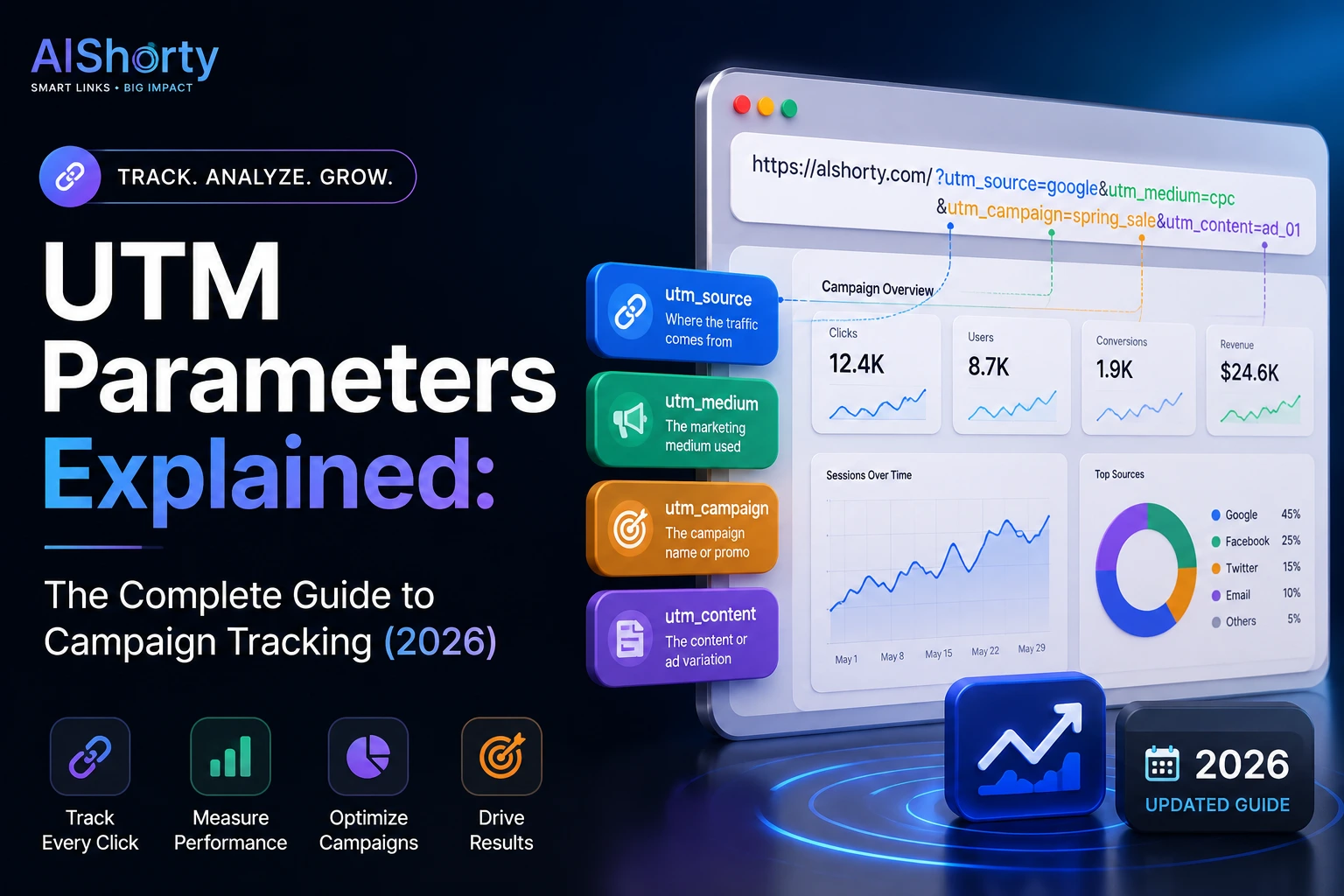
UTM parameters are the difference between guessing what's working and actually knowing. Here's how they work, how to build them correctly, and the mistakes that quietly break most marketers' analytics.
Anita R.
July 2026 · Updated regularly · 8 min read
Most marketers are flying blind and don't realize it
You post a link on Instagram.
You email the same link to your list.
You drop it in a Slack community.
Three days later, traffic shows up in Google Analytics.
But which one actually sent it?
Without UTM parameters, you genuinely can't tell.
Analytics tools group all of that under "Direct" or "Referral" — vague buckets that tell you almost nothing about what actually worked.
UTM parameters fix that. And once you understand them, you stop guessing and start knowing.
What a UTM parameter actually is
UTM stands for Urchin Tracking Module — a naming leftover from Urchin, the analytics company Google acquired back in 2005 and turned into Google Analytics.
The name stuck. The concept is simple.
A UTM parameter is just a small tag added to the end of a URL that tells analytics platforms exactly where a visitor came from.
Instead of sharing:
https://yourstore.com/summer-sale
you share:
https://yourstore.com/summer-sale?utm_source=instagram&utm_medium=bio&utm_campaign=summer2026
Same destination. Completely different amount of information attached to it.
The five UTM parameters (and which ones actually matter)
There are five standard UTM parameters. Most campaigns only need three.
| Parameter | What it answers | Example |
|---|---|---|
| utm_source | Where did this click come from? | instagram, newsletter, reddit |
| utm_medium | What type of channel was it? | social, email, cpc, bio |
| utm_campaign | Which specific campaign? | summer2026, product-launch |
| utm_term | Which keyword (mostly for paid search) | running-shoes |
| utm_content | Which version, when A/B testing | blue-button, story-link |
Source, medium, and campaign cover 90% of real-world use cases. Term and content matter mostly for paid ads and split-testing creative.
Why "just wing it" breaks your analytics silently
Here's the part that quietly ruins most people's data.
Analytics platforms treat UTM values as literal, case-sensitive strings.
Instagram, instagram, and INSTAGRAM are three different sources as far as Google Analytics is concerned.
So is insta versus instagram.
Six months later, you open your dashboard expecting one clean "Instagram" row — and instead find five fragmented variants, each with a sliver of the real traffic.
The fix isn't a smarter tool. It's a naming convention you actually stick to.
A naming convention that actually survives contact with a real team
Pick a format before your first campaign, write it down somewhere everyone can see it, and never deviate.
- Always lowercase — no exceptions, ever
- Use hyphens, not spaces or underscores, inside values (
black-friday, notblack_fridayorBlack Friday) - Keep a fixed list of allowed
utm_sourcevalues —instagram,newsletter,twitter, not whatever feels right that day - Name campaigns with a date or version so old ones don't collide —
launch-2026-q3, not justlaunch
Boring. Unglamorous. And it's the single biggest lever for clean attribution data six months from now.
Where UTM links quietly become a mess
UTM parameters make URLs long. Genuinely long.
https://yourstore.com/product?utm_source=instagram&utm_medium=story&utm_campaign=launch-2026-q3&utm_content=swipe-up
That's not shareable. Nobody's typing that into a text message.
It also looks unprofessional in an Instagram bio, breaks formatting in some email clients, and is nearly impossible to read at a glance when you're trying to remember which link is which.
This is exactly why UTM tracking and URL shortening are almost always used together in practice, not as separate tools.
Shortening a UTM link doesn't lose the tracking data
This trips people up the first time they hear it.
A short link isn't a dead end — it's a redirect.
When someone clicks alshorty.com/summer, the shortener looks up the destination, which still contains the full UTM string, and forwards the visitor there instantly.
Analytics platforms see the UTM parameters exactly as if the person had clicked the long link directly.
You get the clean, shareable short link and the full attribution data — nothing is lost in between.
A short link with UTM parameters baked in is one of the most underrated tools in marketing. It's clean enough to share anywhere, and specific enough to tell you exactly what worked.
A practical example: launching a product across four channels
Say you're launching a product and sharing the link in an email, an Instagram bio, a Twitter post, and a paid Google ad.
Four different UTM combinations, four different long URLs — but you want one clean link for each that's actually shareable:
- Email:
utm_source=newsletter&utm_medium=email&utm_campaign=launch-2026 - Instagram bio:
utm_source=instagram&utm_medium=bio&utm_campaign=launch-2026 - Twitter:
utm_source=twitter&utm_medium=social&utm_campaign=launch-2026 - Google Ads:
utm_source=google&utm_medium=cpc&utm_campaign=launch-2026
Build all four, shorten each one, and a week later your analytics dashboard shows exactly which channel drove the most signups — not a guess, an actual number.
The mistake almost everyone makes at least once
Tagging a link, then losing track of which tags you already used.
Three months in, nobody remembers if last quarter's Instagram campaign was tagged instagram or ig or insta_story.
The data exists. It's just scattered across inconsistent labels that never get reconciled.
This is solvable with a shared spreadsheet, a naming doc, or a UTM builder tool that keeps your source/medium values consistent by default instead of leaving every field as free text.
Building UTM links manually gets old fast
Typing out ?utm_source=&utm_medium=&utm_campaign= by hand, every single time, for every single link, across every campaign — it adds up.
It's also exactly the kind of repetitive task where a typo (a missing &, a stray space) silently breaks tracking without throwing any error.
A dedicated UTM builder removes that risk — structured fields instead of hand-typed strings, so nothing is malformed and nothing is forgotten.
Build clean UTM links in seconds — free
Structured fields · No malformed links · Combine with short links instantly
Open UTM Builder →So is UTM tracking still worth it in 2026?
More than ever.
As paid channels get more expensive and organic reach keeps shrinking, knowing exactly which channel earns its keep matters more than it did five years ago.
UTM parameters are still the simplest, most universal way to answer that — no new platform to learn, no vendor lock-in, works with every analytics tool that exists.
The only real requirement is consistency. Pick a naming convention, write it down, and actually follow it — every single time.
Frequently asked questions
What are the 5 UTM parameters?
utm_source (where the click came from, e.g. instagram), utm_medium (the channel type, e.g. social or email), utm_campaign (the specific campaign name), utm_term (mostly for paid search keywords), and utm_content (used for A/B testing which version was clicked).
How do UTM parameters work?
They're tags appended to the end of a URL that get passed through to analytics platforms like Google Analytics, telling it exactly where, how, and via which campaign a visitor arrived — instead of the vague "Direct" or "Referral" buckets you get without them.
Does shortening a link with UTM parameters lose the tracking data?
No — a short link is a redirect, not a dead end. It looks up the destination, which still contains the full UTM string, and forwards the visitor there. Analytics platforms see the UTM data exactly as if the long link had been clicked directly.
Why do my UTM sources show up as duplicates in analytics?
UTM values are case-sensitive strings — "Instagram", "instagram", and "insta" are treated as three different sources. Fragmented data usually comes from inconsistent naming rather than a tool problem; a fixed lowercase naming convention fixes it.
This guide is part of the Alshorty blog, where we cover URL shortening, Link-in-Bio pages, SmartPages, analytics, QR codes, and marketing strategies. Explore our free tools: UTM Builder, QR Generator, Link Checker, Link-in-Bio builder, and SmartPages builder.
Try Alshorty for free
Shorten URLs, track clicks, generate QR codes, and create a free Link-in-Bio page — no account required.